📖 Lesson content
Video
Your first API call
Saying hi to Claude might warm your heart, but it's not really useful. In this lesson we'll send Claude something real and get structured insight back — in just under 20 lines of code.
Get set up
First, grab an API key from platform.claude.com. You'll need to purchase some credits beforehand.
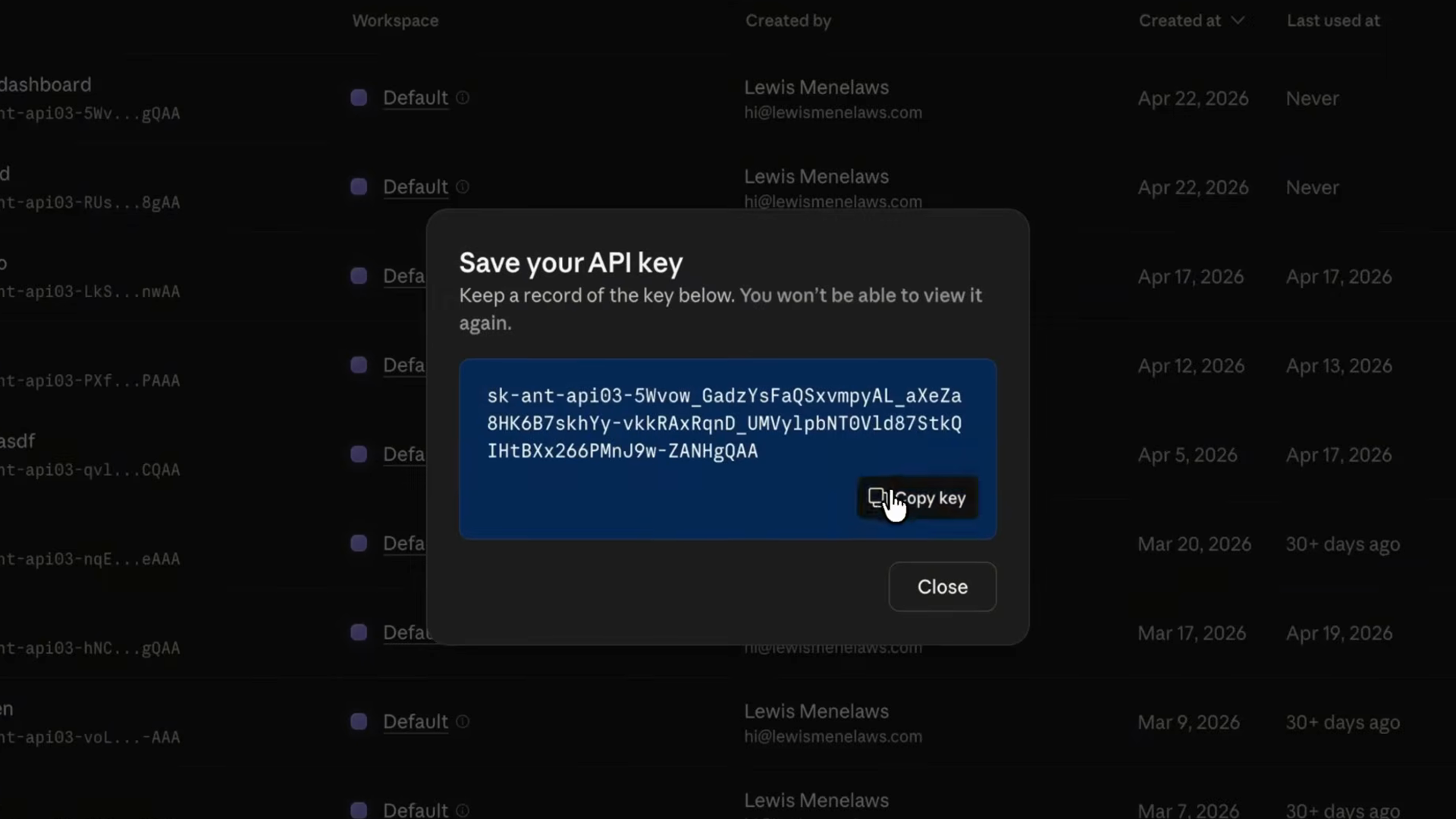
Take the API key and store it in a .env.local file so it stays out of your version control. Hardcoding keys in source files is how they end up leaked on GitHub — keep them in environment files instead.
Next, install the SDK:
npm install @anthropic-ai/sdk
The anatomy of a request
Every API call goes through the messages.create function. You specify three things:
- A model — which Claude model handles the request
- A max tokens limit — a cap on how long the response can be
- A list of messages — objects with either
userorassistantroles, structured similarly to how you'd have a conversation with Claude elsewhere
Here's what that looks like in its most basic form:
import Anthropic from "@anthropic-ai/sdk";

const client = new Anthropic();

const msg = await client.messages.create({
  model: "claude-opus-4-7",
  max_tokens: 1024,
  messages: [{
    role: "user",
    content: "Hello, Claude",
  }],
});
A real example: reviewing buggy code
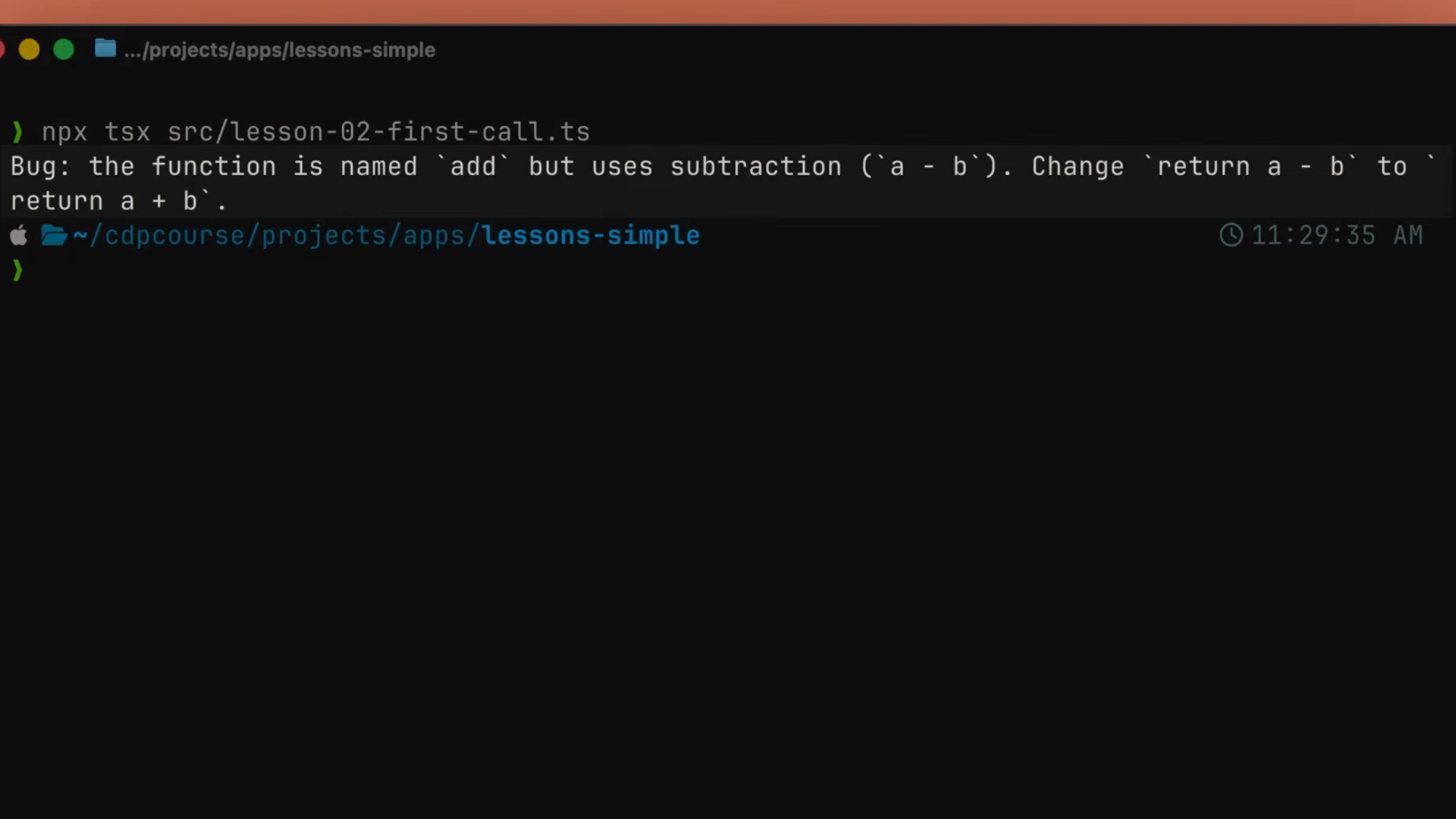
Let's give Claude something a little more interesting than "hello." We'll point it at some buggy code and ask for a review. Here's the whole thing — one file, about 20 lines of code:
import Anthropic from "@anthropic-ai/sdk";

const client = new Anthropic();

const buggyCode = `
function add(a, b) {
  return a - b;
}
`;

const response = await client.messages.create({
  model: "claude-opus-4-8",
  max_tokens: 1024,
  system: "You are a terse senior code reviewer. Give feedback in one paragraph.",
  messages: [
    { role: "user", content: `Review this code:\n${buggyCode}` },
  ],
});

for (const block of response.content) {
  if (block.type === "text") {
    console.log(block.text);
  }
}
Two things to notice here:
- The
systemprompt is where you shape the persona. I want a terse senior reviewer, not a chatty one — so I just say that. - The
message.contentin the response is an array of blocks, not a string. For a basic text reply there's usually just one block of typetext, but Claude can return multiple blocks — text, tool calls, thinking — so we always loop and check the type.
Run it, and Claude spots that add is subtracting and tells you in one paragraph. That's it. That's the whole API call.
From script to product
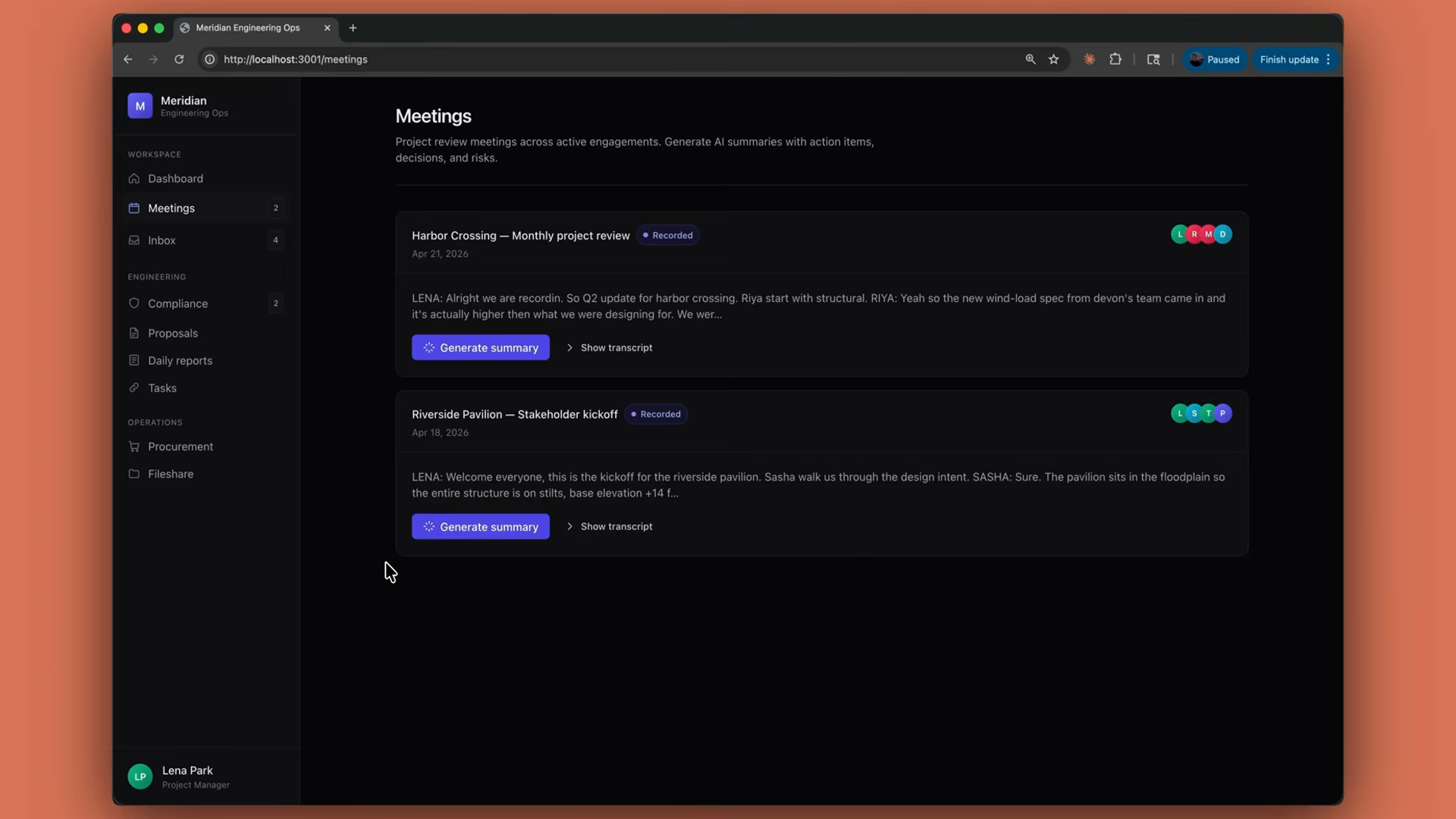
In a real product, this same messages.create shape is the engine behind something like a summarize endpoint. Pull a meeting transcript out of the database, hand it to Claude with a system prompt that says "extract insights and risks," save the result back on the row, and return it to the UI. It's the same call — just wrapped in a route handler.
Recap
- Your first API call is a
messages.createfunction with a model, a token limit, and messages. - Store your API key in a
.env.localfile to keep it out of version control. - Add a system prompt to shape Claude's behavior.
- The response
contentis an array of blocks — loop and check each block'stype. - From here, everything builds on this pattern.
🎬 Video transcript
Source video:
j0ftK_R5DTs
No transcript available — see lesson body for narrative content.
🔁 Related lessons
- Next: Choosing the right model
- Previous: What is the Claude Developer Platform?
- Part of paths: Path C
- Reference docs: Glossary · Skills atlas · By use-case
📚 Source & attribution
- Original Anthropic Academy lesson: https://anthropic.skilljar.com/claude-platform-101/486251
- © 2025 Anthropic. Educational fair-use only.