📖 Lesson content
Video
Context management
Every request you send Claude has a context window. A million tokens sounds like a lot, but it runs out faster than you think once you're shipping a real agent. That's where context management comes in: it's how you stay inside the window without losing what matters.
What counts as context
Context is everything Claude sees on a given turn:
- The system prompt
- The message history
- Tool definitions and tool results
- Attached files and skills
- Thinking blocks
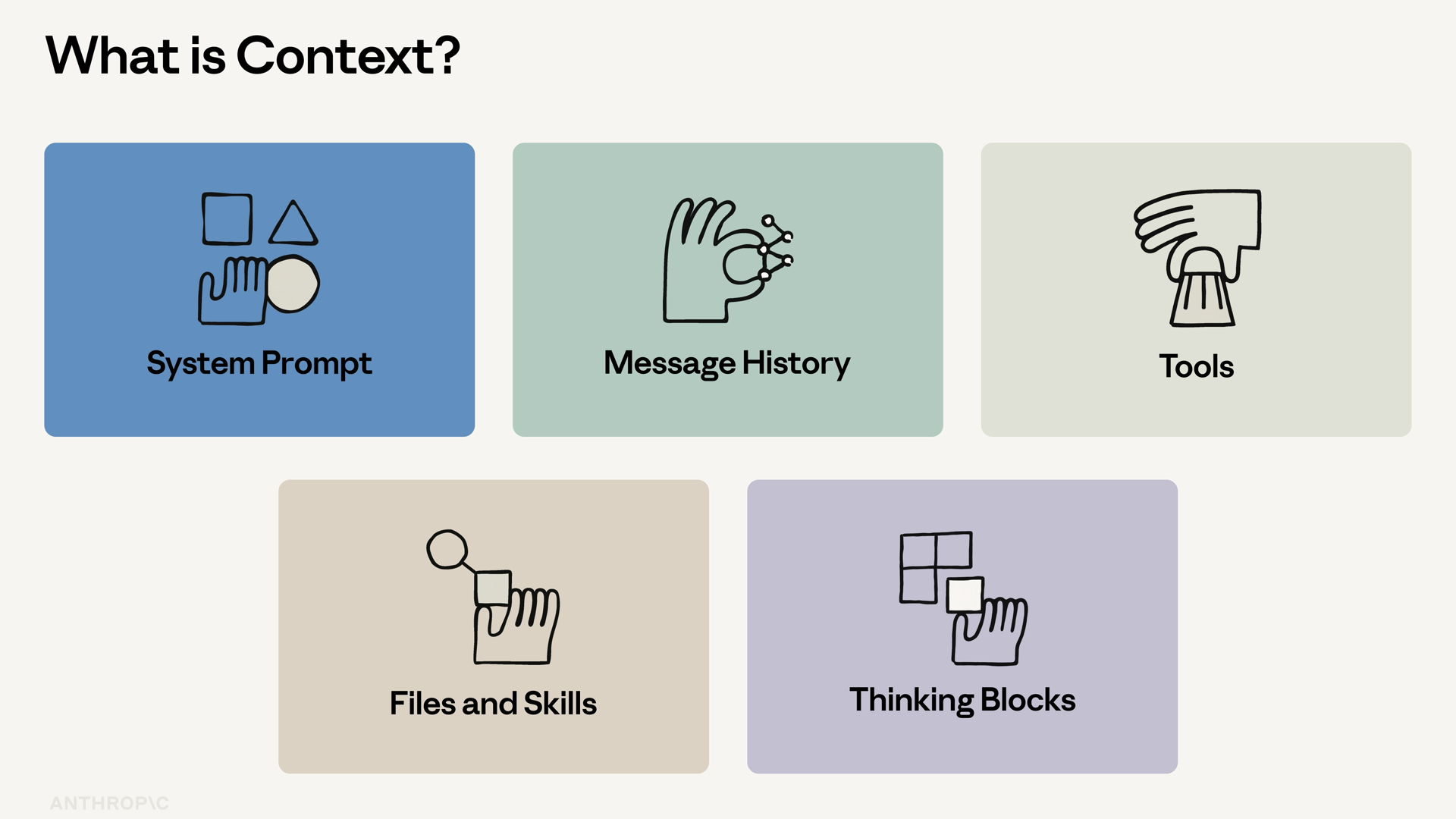
It's the input to every single API call. You pay for it on the way in, and you pay for it on the way out. And once the window is full, the request fails.
So the goal isn't to fit everything in. The goal is to fit the right things in.
Anthropic publishes four patterns for managing context in long-running agents. Three are first-class API features, and one is a design pattern.
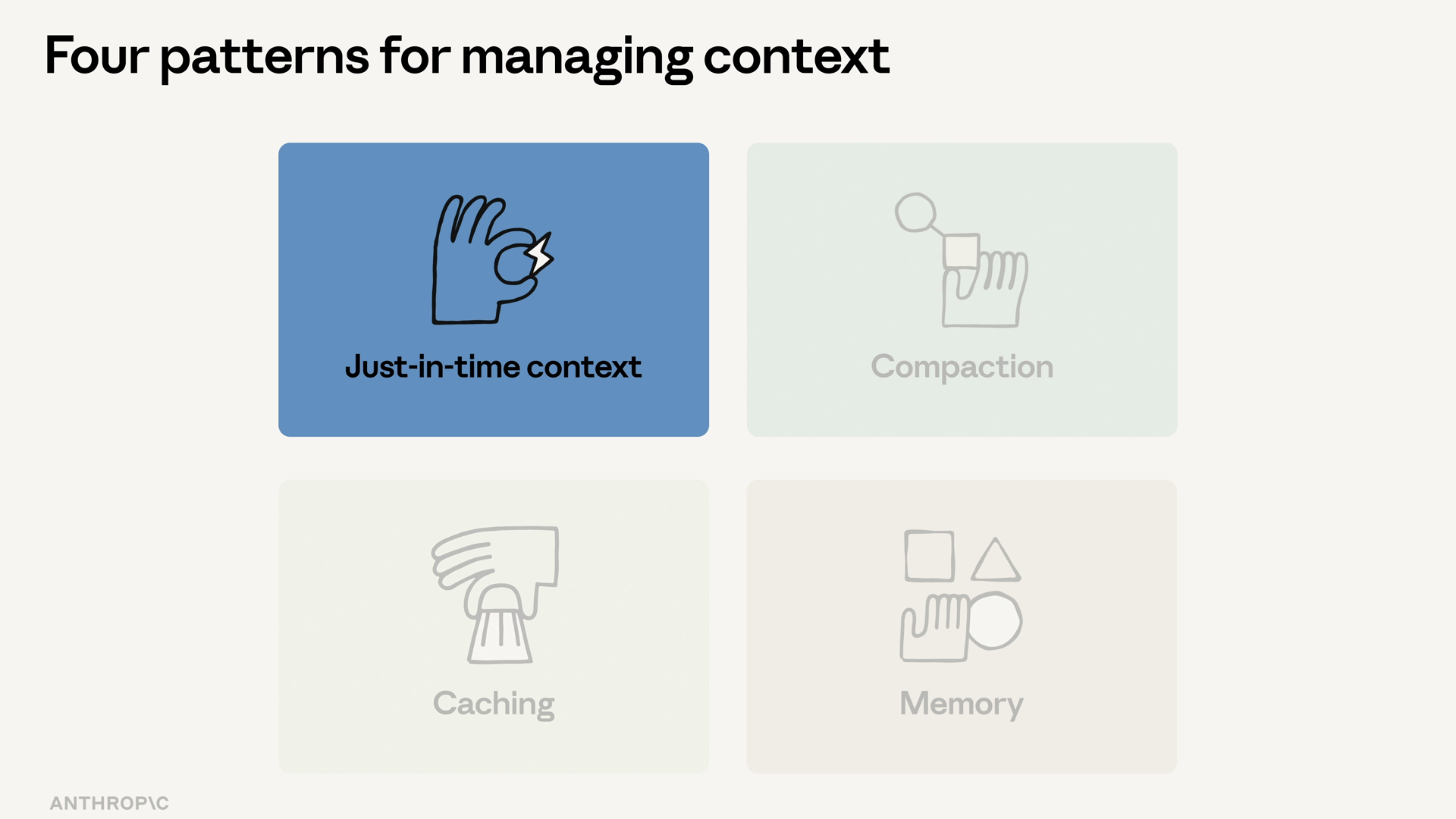
Pattern 1: Just-in-time context
Don't load everything upfront. Load what the agent needs now, and let it pull more in via tools when it asks.
Think of a compliance review agent. It doesn't get the entire building code book stuffed into its system prompt — it calls a lookup_building_code tool when it needs a specific section. This is the design pattern of the four: nothing special in the API, just a deliberate choice about what you load and when.
Pattern 2: Server-side compaction
When a conversation runs long, Anthropic's server-side compaction summarizes old turns into a single block. You opt in by adding a context_management key to your request, holding an edit with a type:
response = client.messages.create(
    model="claude-sonnet-4-5",
    max_tokens=1024,
    context_management={
        "edits": [
            {"type": "compact"}
        ]
    },
    messages=messages,
)
The API auto-summarizes when the input crosses the trigger threshold. You don't have to track conversation length yourself.
Pattern 3: Prompt caching
Prompt caching lets you mark the stable parts of a request — the system prompt, the tool definitions, a long document — and reuse them across calls at a fraction of the cost.
The math matters more than it looks. If your system prompt is 4,000 tokens and you call it 100 times an hour, caching is the difference between a usable bill and a phone call from finance.
Pattern 4: The memory tool
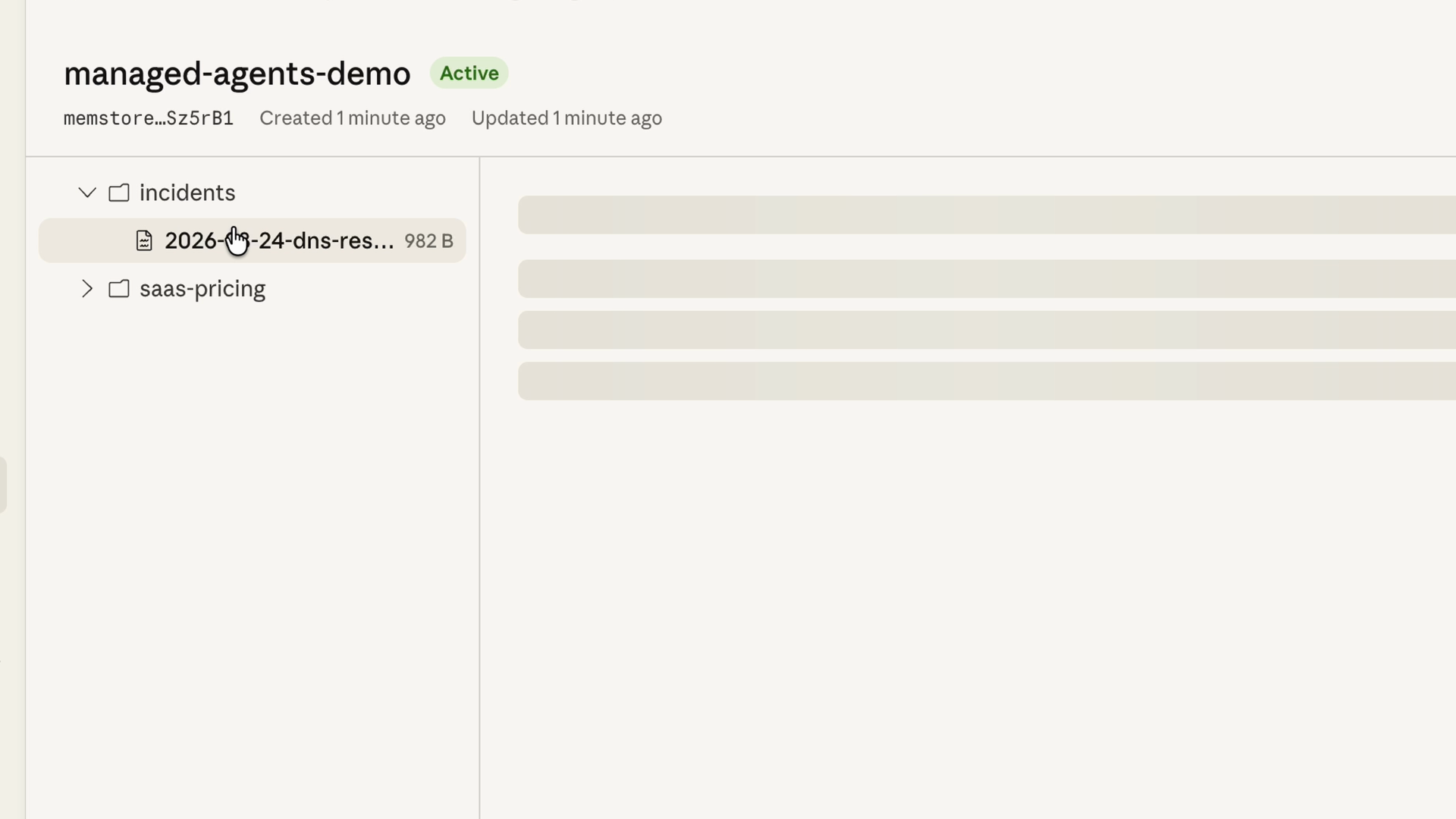
Some context needs to survive across sessions: user preferences, the agent's running notes, what was decided last week. The recommended primitive for this is the memory tool.
Here's how it works:
- Claude reads and writes to a memory directory via tool calls.
- You implement the storage backend client-side — a file system, a database, an encrypted store, whatever you want.
- Anthropic auto-injects a system instruction telling Claude to check the memory directory before starting work.
Layering the patterns
In a production app, you'll usually layer all four at once. The compliance review agent caches its system prompt and tool definitions, and pulls building code sections in just in time via lookup_building_code.
Each pattern handles a different failure mode: cost, window size, statelessness. Pick the ones that match what's breaking for you.
Recap
- Context is everything Claude sees on a turn — and it isn't free or infinite. Once the window fills, the request fails.
- Just-in-time context: load what's needed now, let tools pull in the rest. This is the design pattern of the four.
- Server-side compaction: add a
context_managementkey, and the API summarizes old turns automatically when input crosses the trigger threshold. - Prompt caching: mark stable parts of the request and reuse them across calls at a fraction of the cost.
- The memory tool: Claude reads and writes a memory directory via tool calls; you own the storage backend, so context survives across sessions.
- Four patterns, one goal. Wire them up by hand, or use Claude managed agents, which ship with caching and compaction on by default.
🎬 Video transcript
Source video:
jZQ6b_vVHRc
No transcript available — see lesson body for narrative content.
🔁 Related lessons
- Next: What are managed agents?
- Previous: MCP
- Part of paths: Path C
- Reference docs: Glossary · Skills atlas · By use-case
📚 Source & attribution
- Original Anthropic Academy lesson: https://anthropic.skilljar.com/claude-platform-101/486261
- © 2025 Anthropic. Educational fair-use only.