📖 Lesson content
Video
MCP
We have tools, skills, and connectors. So why does MCP exist? At first glance it looks like a second API stacked on top of the API. Fair question — and the answer comes down to who maintains the integration code.
The maintenance problem
Say your agent needs to pull tasks from Asana, check a Google Calendar, and search Slack — all in one go. With custom tools, you have to write three integrations. That part is doable. The painful part comes after: you also have to maintain those integrations every time one of those services changes its API, which happens often. Congratulations, you're now maintaining a pile of third-party API wrappers.
MCP shifts that maintenance to the service provider. Asana publishes an MCP server. Slack publishes one. Google publishes one. Each server exposes its own tools — with descriptions, schemas, and authentication — through a standard protocol. When their API changes, they update their server. You change nothing.
Tools vs. skills vs. MCP
These three features do different jobs:
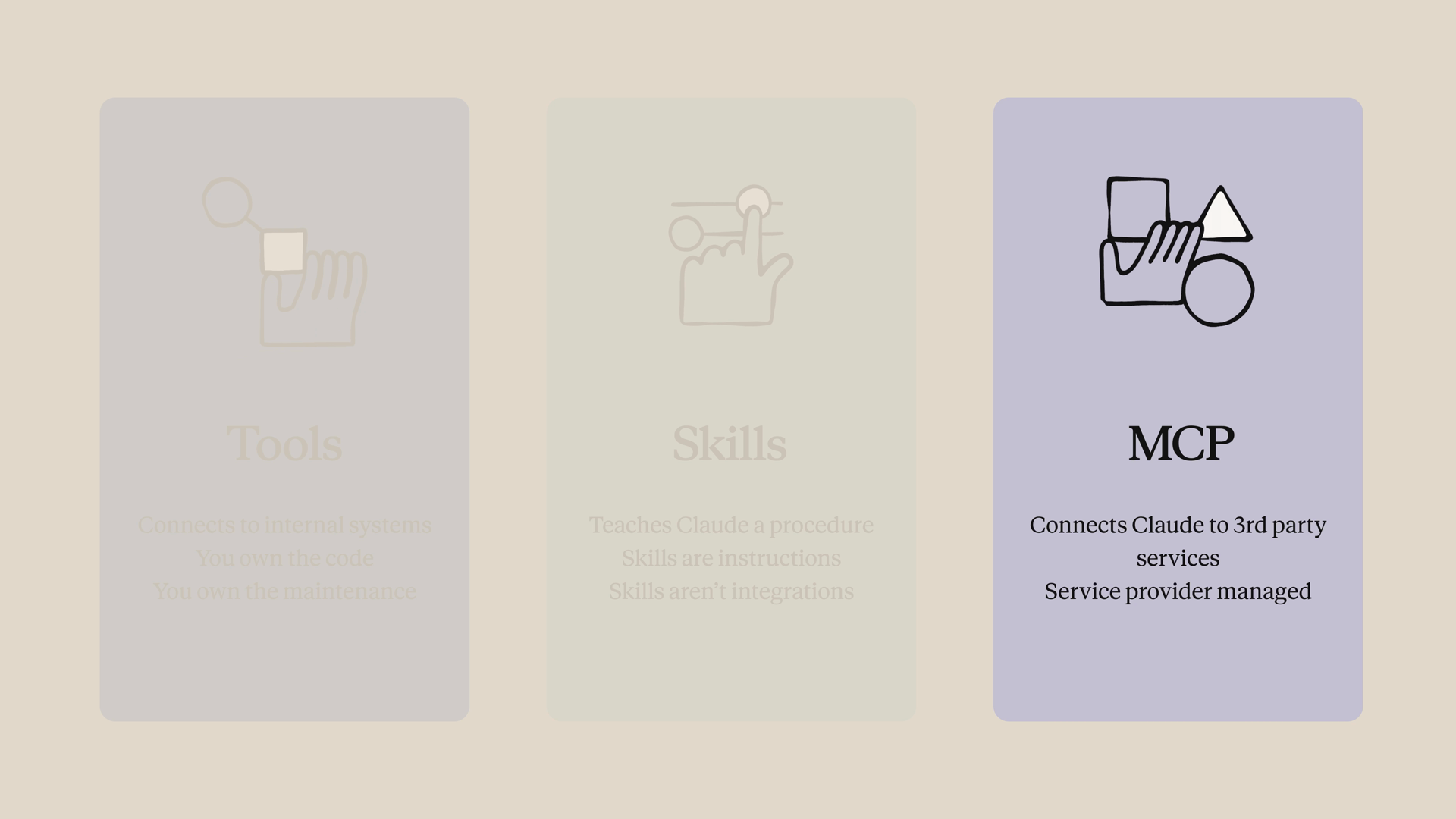
- Tools connect Claude to your internal systems — your database, your project tracker, your proprietary APIs. You own the code, so you also own the maintenance.
- Skills teach Claude a procedure — your report template, your review checklist. Skills are instructions, not necessarily integrations.
- MCP connects Claude to third-party services, where the service provider maintains the integration. You don't write the Asana wrapper — Asana did.
The short version: tools are for your stuff, skills are for your processes, and MCP is for everyone else's stuff.
Connecting to an MCP server
The cleanest way to get a feel for MCP is to point Claude at any MCP server and let it discover what's there. For this example, we'll use the Linear MCP server, with the connection details and auth token stored in a .env file.
Two pieces work together in the request. The mcp_servers key declares the connection — a type, a URL, a name to refer to it by, and optionally an auth token. Then a tool with the type mcp_toolset configures which tools Claude can use from that server. The default is all of them, but if you want to scope it down, this is where you do it.
import os
import anthropic

client = anthropic.Anthropic()

response = client.beta.messages.create(
    model="claude-opus-4-8",
    max_tokens=1000,
    messages=[
        {"role": "user", "content": "What tools do you have available?"}
    ],
    mcp_servers=[
        {
            "type": "url",
            "url": "https://mcp.linear.app/mcp",
            "name": "linear",
            "authorization_token": os.environ["LINEAR_MCP_TOKEN"],
        }
    ],
    tools=[
        {
            "type": "mcp_toolset",
            "mcp_server_name": "linear",
        }
    ],
    betas=["mcp-client-2025-11-20"],
)

print(response)
Notice that we never wrote a single tool schema. Claude introspects the server, gets the list of tools and their schemas back, and picks the right one for the prompt. As of this lesson, the MCP connector is in beta — note the beta header in the request.
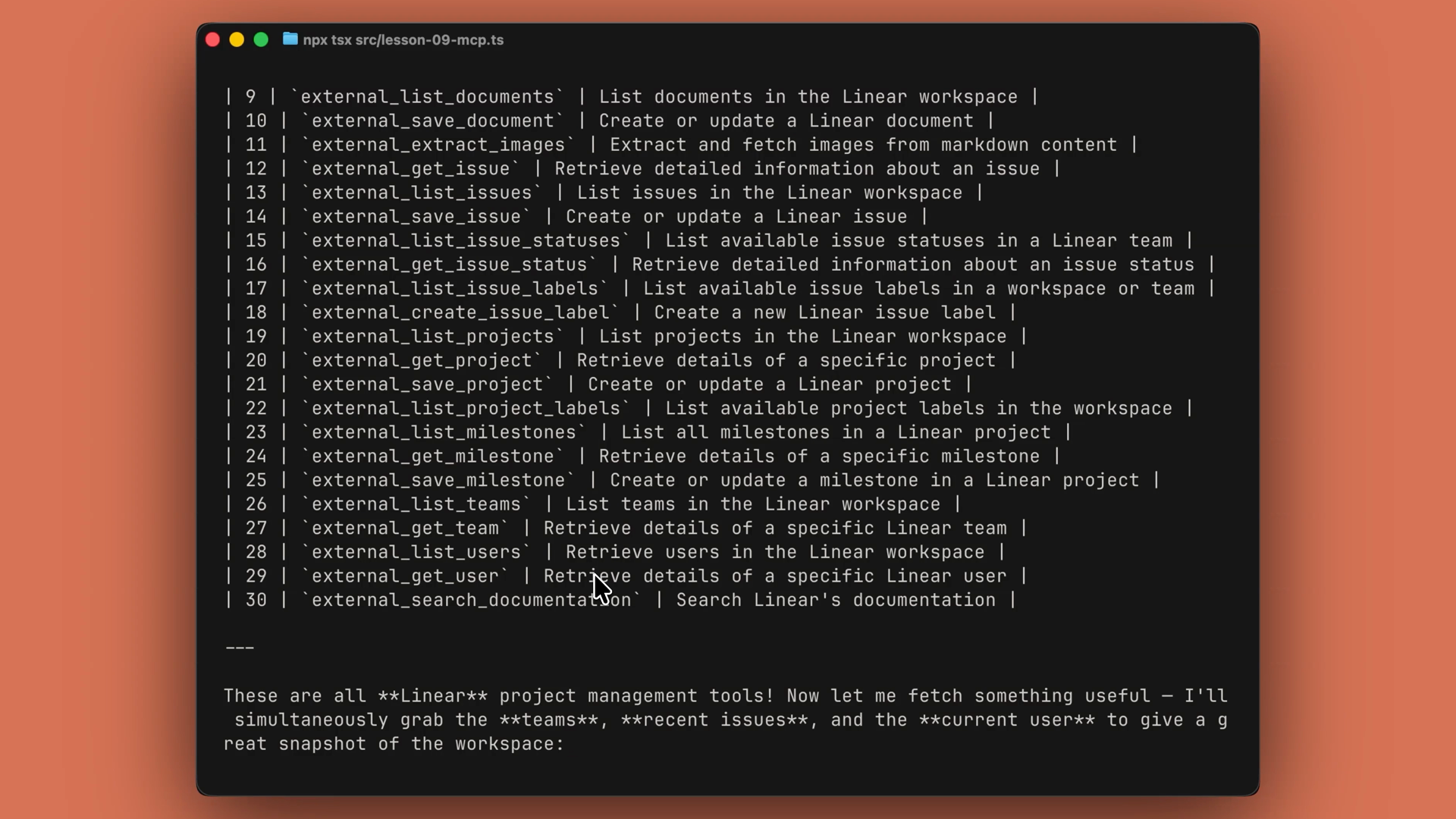
Run it, and if your MCP URL points at Linear's MCP endpoint, Claude lists Linear's tools and then calls one. The same works for basically any compliant server. We didn't define a single tool. We didn't write a Linear client. Linear is maintaining that.
Filtering which tools Claude can use
MCP servers often expose many, many tools — and you don't always want Claude using all of them. Maybe you don't want it to have write permissions, or you just don't want all those tool definitions taking up context.
The fix: disable everything by default, then enable only the specific tools you want. Here's that pattern with a Slack MCP server:
tools=[
    {
        "type": "mcp_toolset",
        "mcp_server_name": "slack",
        "default_config": {
            "enabled": False,
        },
        "configs": {
            "search_messages": {"enabled": True},
            "list_channels": {"enabled": True},
        },
    }
]
Now Claude can search Slack and list channels, but it can't post or delete. This is useful when you trust a service for reads but don't want Claude writing on your behalf by accident.
Recap
- MCP exists so you don't have to maintain integrations someone else has already built. The service provider publishes an MCP server and keeps it up to date — you change nothing when their API changes.
- Pick the right feature for the job: tools for your data, skills for your process, MCP for third-party services.
- Declare the connection in
mcp_servers(type, URL, name, optional auth token) and grant access with anmcp_toolsetentry intools. Claude introspects the server and discovers the tools on its own — no schemas to write. - Scope down access by setting
default_config: {"enabled": False}and enabling specific tools inconfigs— handy for keeping a server read-only. - The MCP connector is currently in beta, so include the beta header on your requests.
- Visit modelcontextprotocol.io for the list of available servers and to learn more about the protocol.
🎬 Video transcript
Source video:
hftmYd97LBw
No transcript available — see lesson body for narrative content.
🔁 Related lessons
- Next: Context management
- Previous: Skills
- Part of paths: Path C
- Reference docs: Glossary · Skills atlas · By use-case
📚 Source & attribution
- Original Anthropic Academy lesson: https://anthropic.skilljar.com/claude-platform-101/486260
- © 2025 Anthropic. Educational fair-use only.