📖 Lesson content
Video
Building with Claude Code
Writing code that calls the Claude API by hand works fine, but there's an even faster path: have Claude write it for you. In this lesson, we'll use Claude Code to fill in an API integration from a stubbed-out file — using the same primitives you've learned throughout this course.
Starting from a stub
The project is simple: a TypeScript file that gets weather. It contains two stubs:
- getWeather — accepts a city and returns the temperature and conditions.
- run — a function that should use the tool runner and the Claude TypeScript SDK.
The tool runner is the piece that handles tool calling and the agent loop for you, so you don't have to wire that up manually.
The Claude API skill
Claude Code comes with a built-in skill called Claude API. You can invoke it directly with /claude-api, or Claude Code will invoke it automatically when it detects that you're using the TypeScript SDK.
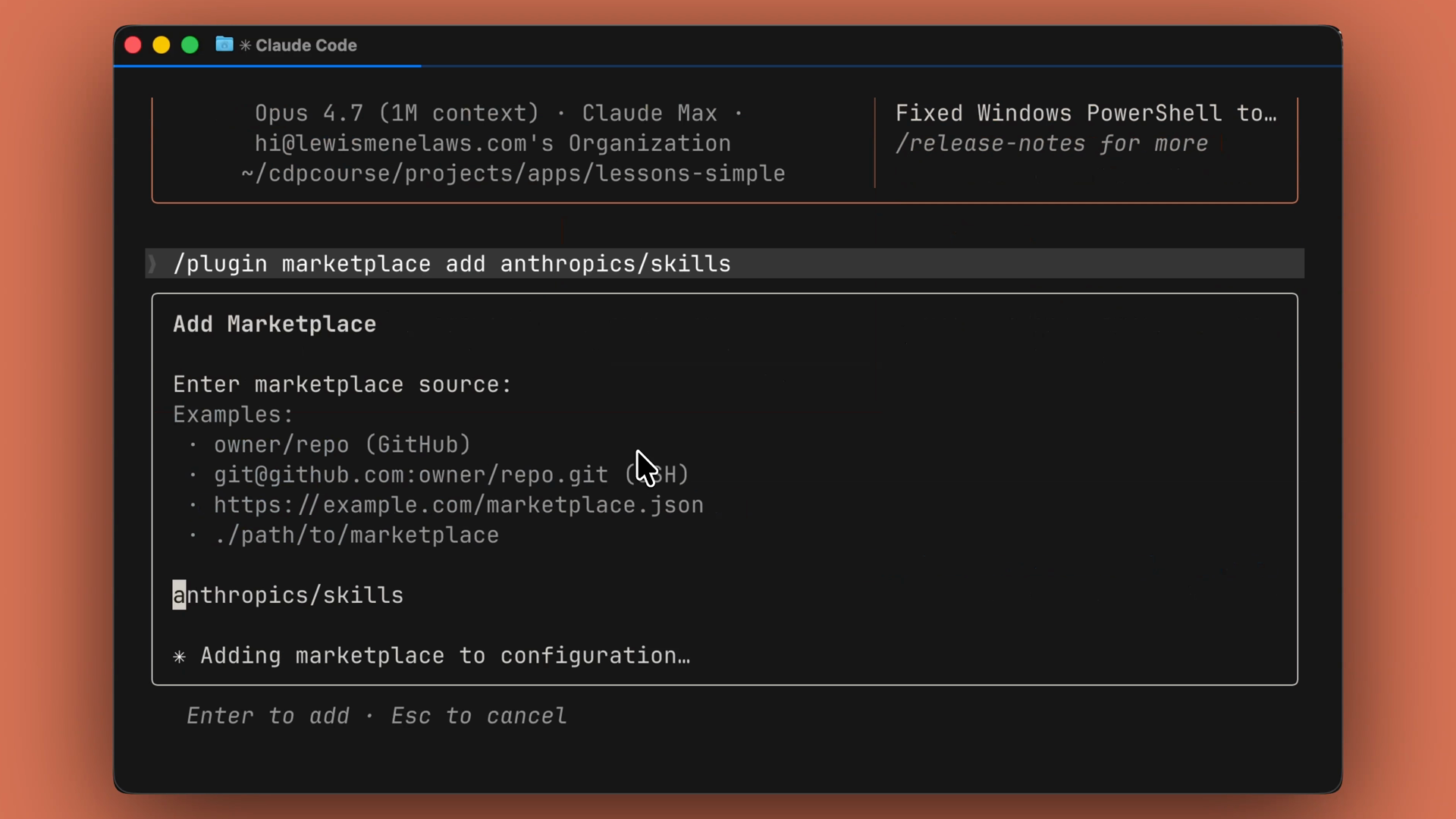
If you don't see the skill, you can add it from the marketplace:
/plugin marketplace add AnthropicsSkills
Note the s at the end of Anthropics — it's easy to miss.
One prompt, working code
Open the project folder in your terminal and launch Claude Code.
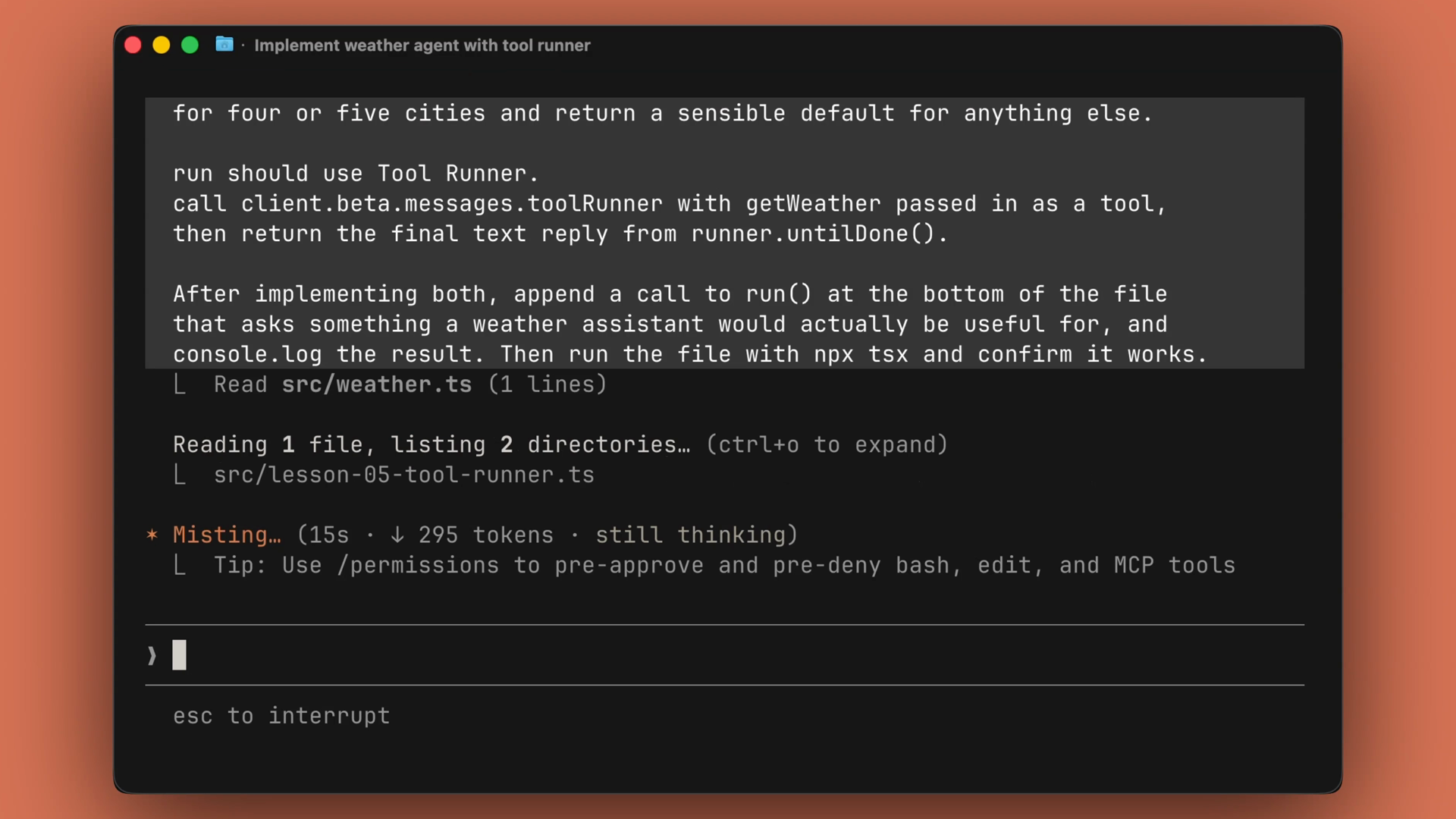
From there, it takes a single prompt. A good prompt does three things:
- It names the file you want changed.
- It names the pattern you want used.
- It names the end state you expect.
Claude Code then fills in getWeather and run against the types, appends a call at the bottom of the file, executes the script, and reports the output. If something errors out, it reads the error message and patches the code in place.
What Claude Code produced
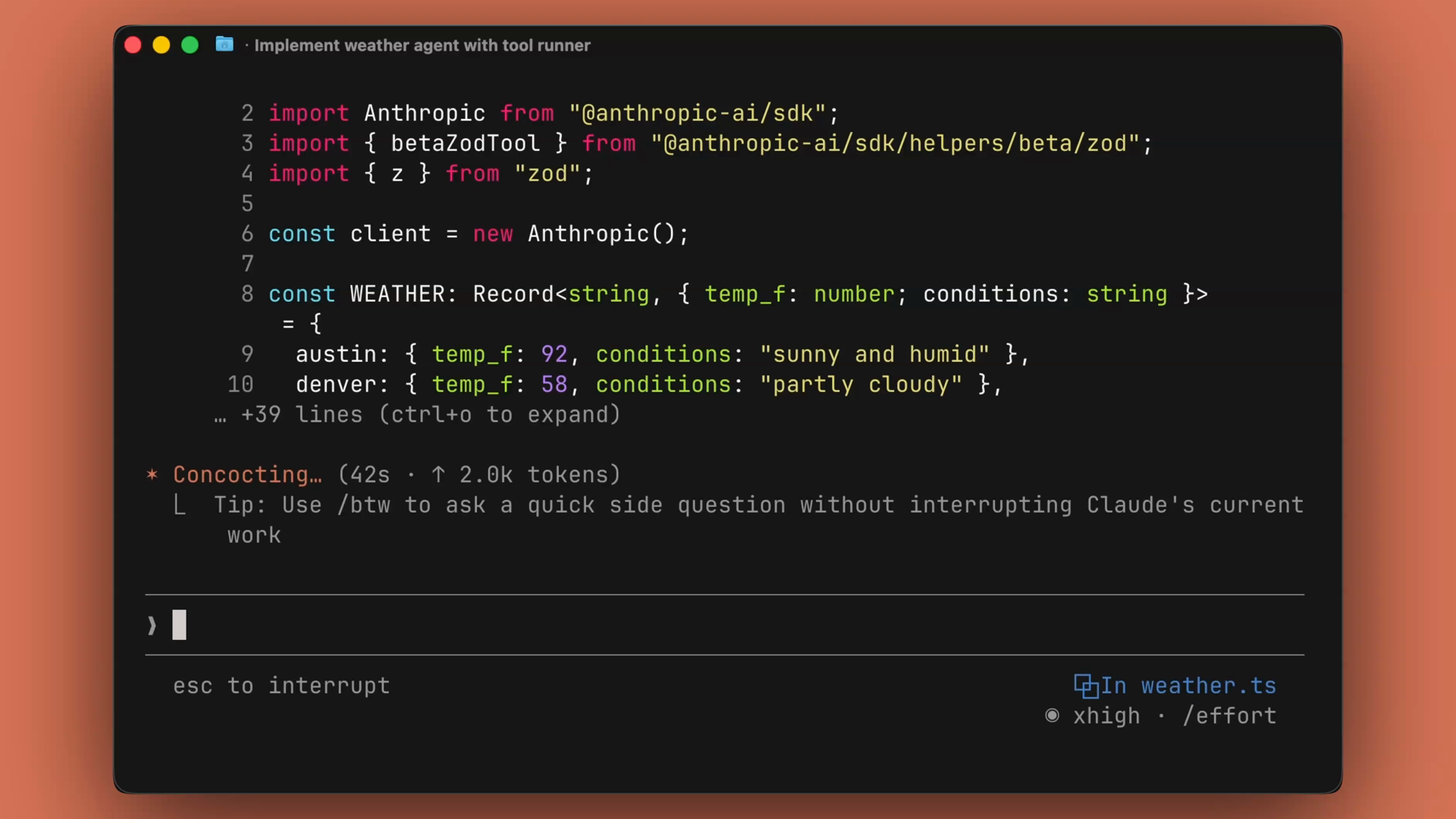
In this run, Claude Code created a Zod tool that parsed the input and returned the output based on the city type. It also created the tool runner and the run function we asked for, and printed the final results of the agent loop.
The pattern to remember
Most of what you write against the Claude API has a familiar shape:
- Define a tool.
- Hand it to a runner.
- Return the result.
You don't need to type that from memory every single time. Instead, stub the file, hand it to Claude Code, and just review the diff.
Recap
- Claude Code is an agent that edits files and runs commands inside your terminal.
- The built-in Claude API skill loads automatically when Claude Code detects the TypeScript SDK, or you can invoke it with
/claude-api. - Give it a prompt that names the file, the pattern, and the end state — it writes the code, runs it, and fixes errors in place.
- Claude API code follows a familiar shape: define a tool, hand it to a runner, return the result. Stub it, delegate it, review the diff.
🎬 Video transcript
Source video:
Zq_c7xMbxto
No transcript available — see lesson body for narrative content.
🔁 Related lessons
- Next: Claude Platform 101 Quiz
- Previous: Building your first managed agent
- Part of paths: Path C
- Reference docs: Glossary · Skills atlas · By use-case
📚 Source & attribution
- Original Anthropic Academy lesson: https://anthropic.skilljar.com/claude-platform-101/486266
- © 2025 Anthropic. Educational fair-use only.