📖 Lesson content
Video
Skills
Skills are folders of instructions, scripts, and resources that Claude loads dynamically to improve performance on specialized tasks. At the core of every Skill is a SKILL.md file — a packaged set of instructions you upload once and then attach to any messages.create call. You're teaching Claude how you do something: your status report format, your review checklist, your release notes. Claude reads the Skill, follows the procedure, and produces output in your shape.
Skills vs. tools
It's worth being clear on the difference, because the two solve different problems:
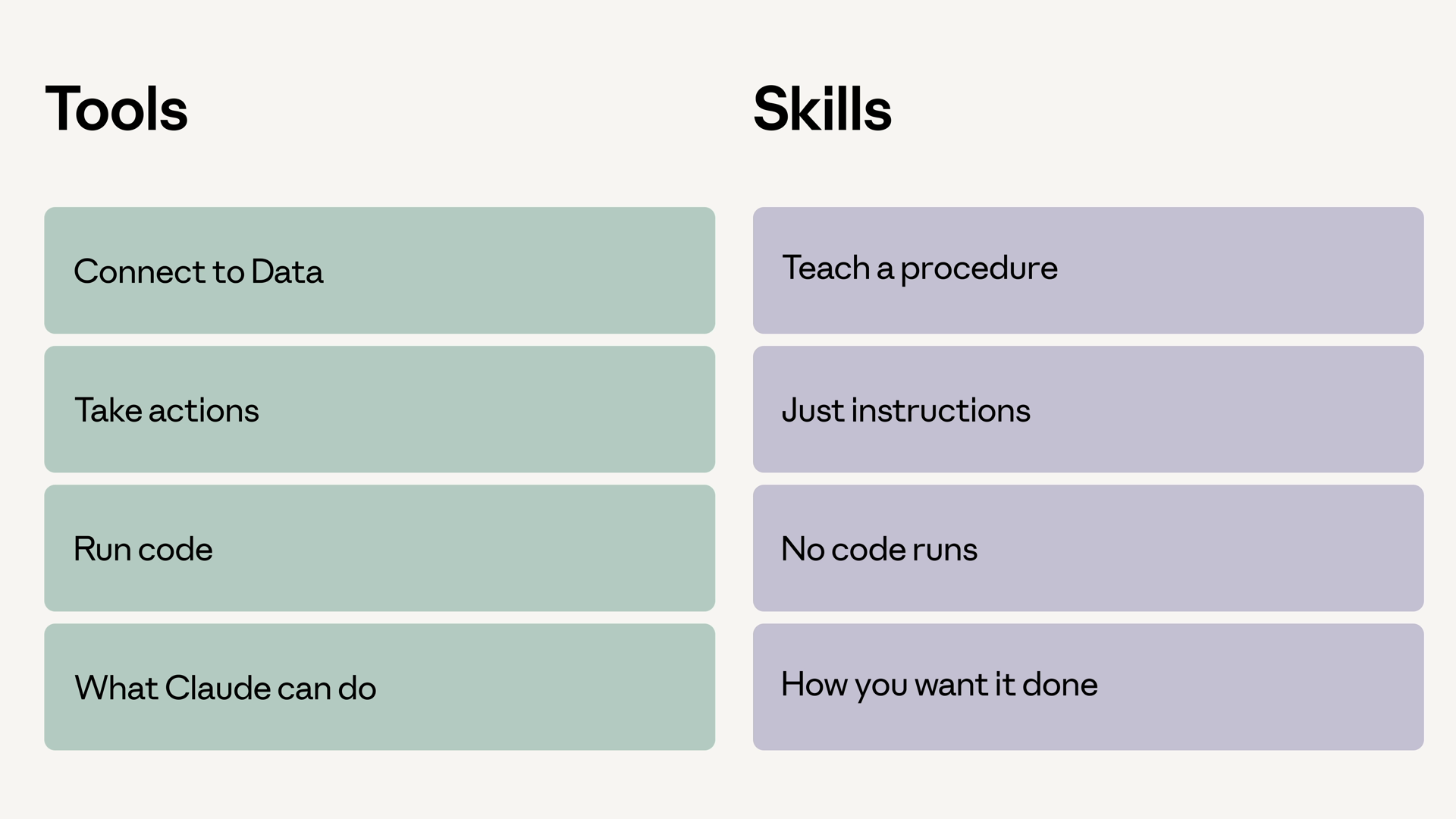
- Tools connect Claude to data and actions. "Look up this code section," "send this email" — Claude calls the tool, and something else runs.
- Skills teach Claude a procedure. "Generate the daily status report following this template" — it's a playbook Claude reads and follows, which sometimes means running bundled scripts itself.
A simple way to remember it: tools are about what Claude can do, while Skills are about how you want it done.
One more thing worth knowing: Skills don't load fully into context on startup. Only the name and description load at first. When your agent decides a Skill is relevant, it then loads the full Skill into context. That keeps your context lean even when many Skills are available.
Uploading a Skill
Skills are uploaded once to your workspace, then referenced by ID. You can upload directly on the Claude Platform, or do it programmatically:
skill = client.beta.skills.create(
    display_title="Status Report Generator",
    files=files_from_dir("status-report-skill"),  # folder containing SKILL.md
)

print(skill.id)  # reference this ID in future requests
For this example, I want a status report generator. All the rules for what makes a good status report — sections, tone, how to summarize, how to handle blockers — live in a Skill packaged ahead of time. The activity log itself is just a string passed in at request time.
Attaching a Skill to a request
Skills attach to a request through the container configuration — a skills array inside the container, where each entry names a skill_id and version. Here's the full call for the status report generator:
response = client.beta.messages.create(
    model="claude-sonnet-4-5",
    max_tokens=4096,
    betas=["skills-2025-10-02", "code-execution-2025-08-25"],
    container={
        "skills": [
            {
                "type": "custom",
                "skill_id": skill.id,
                "version": "latest",
            }
        ]
    },
    tools=[
        {
            "type": "code_execution_20250825",
            "name": "code_execution",
        }
    ],
    messages=[
        {
            "role": "user",
            "content": f"Generate the daily status report from this activity log:\n\n{activity_log}",
        }
    ],
)
A few things worth pointing out:
- We're calling
client.beta.messages.create, not the standard one, and passing the skills feature via the beta header. As of this video, Skills are still a beta feature. container.skillsis where the Skill attaches. It's a list, so you can layer multiple Skills onto one call.- Code execution is turned on here too. Skills often pair well with code execution, because Skill procedures can do real work — like running scripts in a terminal.
Running it
The output is a status report formatted exactly the way the Skill says to format it. Sections, tone, blocker handling — all of it comes from the SKILL.md file you uploaded. The user prompt is one line; the procedure lives in the Skill.
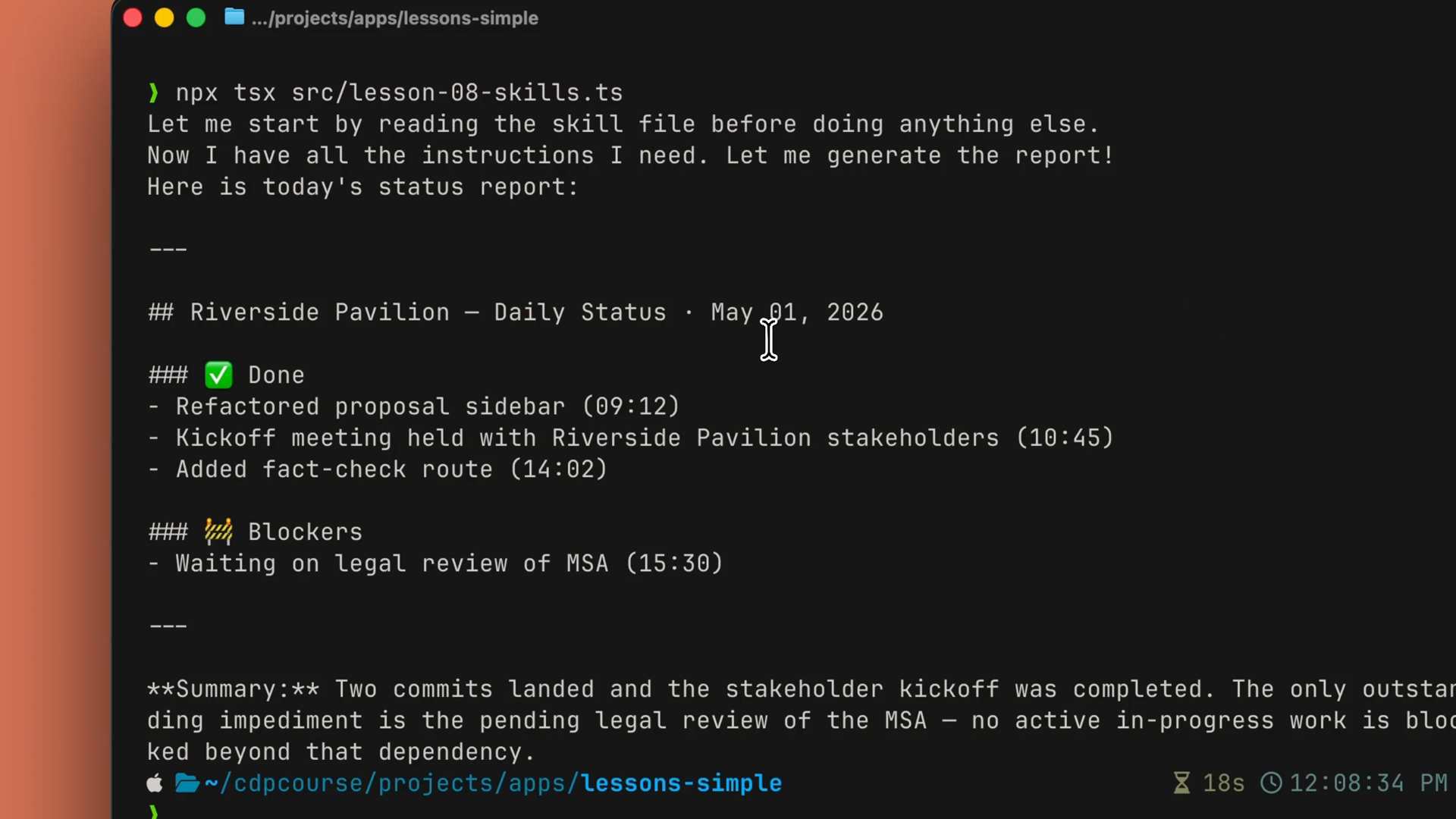
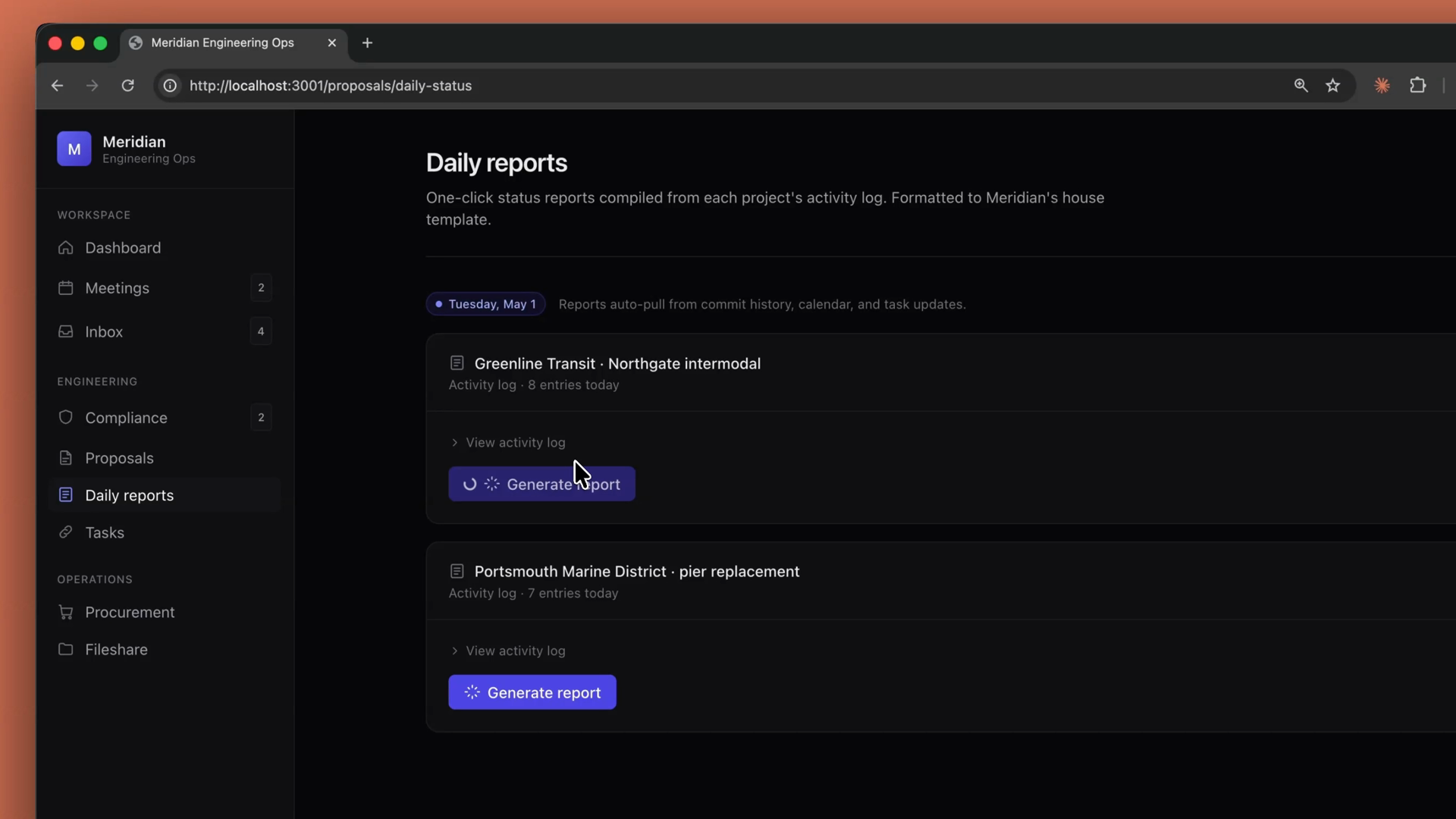
In a production app, this is how a team standardizes output across an entire feature. With this daily status report endpoint, every PM gets the same structure, the same tone, the same sections, in the same order — without anyone copy-pasting a template into a prompt.
Recap
- Skills package your procedures. A
SKILL.mdfile (plus any scripts and resources) teaches Claude how you want something done. - Tools vs. Skills: tools are about what Claude can do; Skills are about how you want it done.
- Skills load progressively. Only the name and description load at startup; the full Skill loads into context when the agent decides to use it.
- Upload once with
client.beta.skills.create, then attach withcontainer.skillson anymessages.createcall — a list, so you can layer multiple Skills. - Pair with code execution when the Skill's procedure needs to do real work.
- Reach for a Skill when the how matters as much as the what.
🎬 Video transcript
Source video:
3fGaS8mcD9Q
No transcript available — see lesson body for narrative content.
🔁 Related lessons
- Next: MCP
- Previous: Built-in tools
- Part of paths: Path C
- Reference docs: Glossary · Skills atlas · By use-case
📚 Source & attribution
- Original Anthropic Academy lesson: https://anthropic.skilljar.com/claude-platform-101/486259
- © 2025 Anthropic. Educational fair-use only.